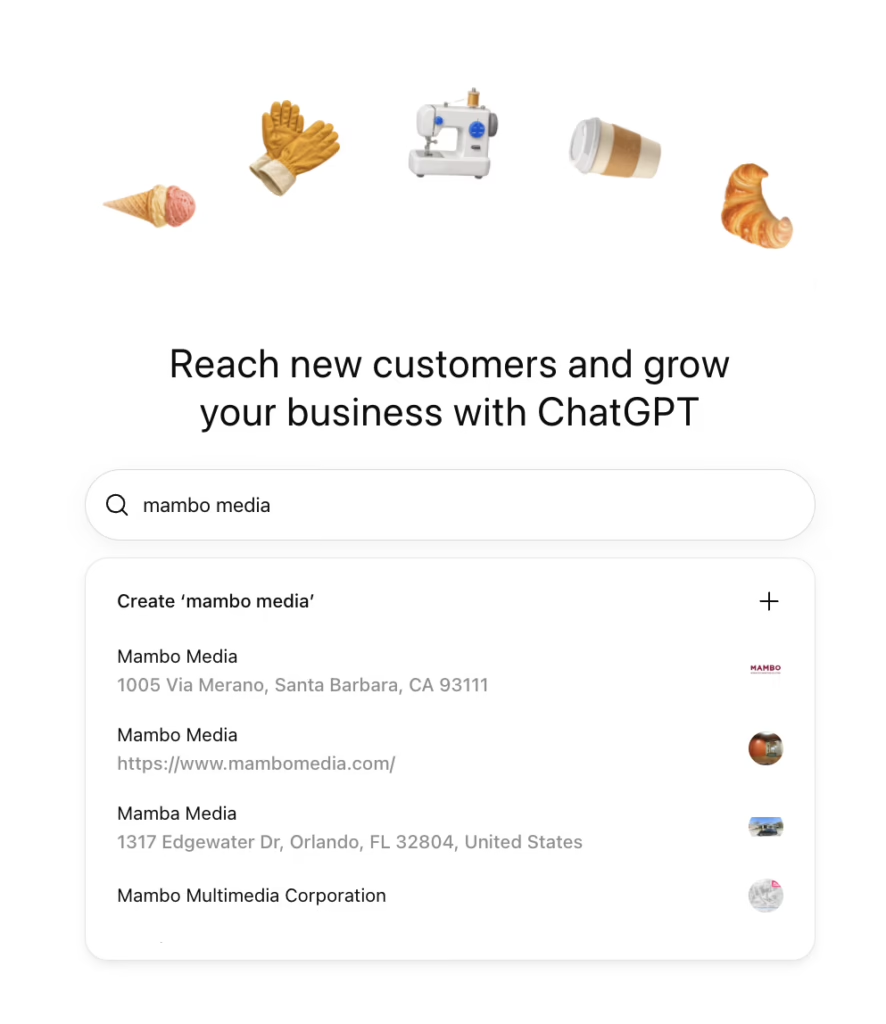
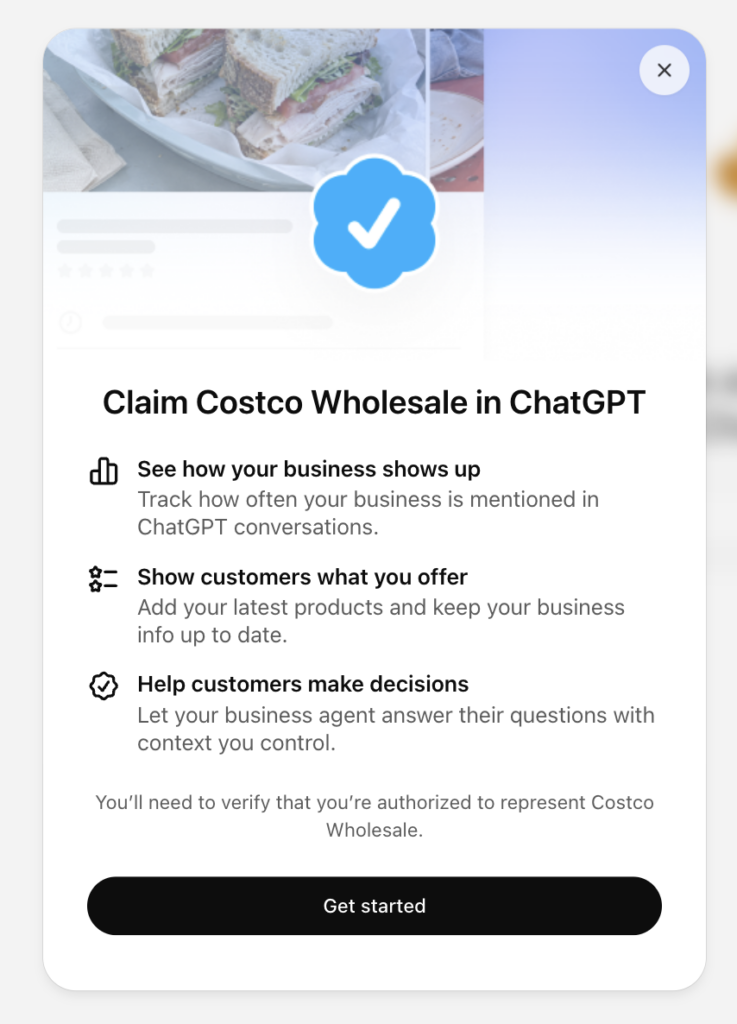
OpenAI has launched Businesses in ChatGPT in beta, giving eligible businesses a way to update their information and see how people engage with them on the platform. Our advice is simple: claim your listing now. It’s a practical first step toward helping potential customers find accurate information about your business.
As people use AI to research products and services, they can form a shortlist before ever visiting your website. The information they find along the way helps shape whether your business makes the cut.
Claiming your listing gives you a way to contribute current details about your business, including what you offer and how customers can reach you. ChatGPT may still draw on other sources, but you’ll have a place to manage the information you provide directly.
See how your company shows up across search and AI-driven discovery, where competitors have the edge and which gaps matter most.
What’s inside the ChatGPT Business Hub
Business Hub brings together business information, engagement insights, and tools to help customers explore your offerings. Available features depend on your business type and verification status.
Swipe sideways to see the full table
| Feature | What it Does | Availability |
|---|---|---|
| Business information and insights | Lets you update business details and see mentions, website clicks, and discovery topics. | Requires approved claim and identity verification. Some metrics may remain blank until enough activity is available. |
| Business Agents | Lets you create an agent that answers customer questions using information you provide about your products, services, and policies. | Available to eligible U.S. ecommerce and online service businesses with a website. |
| Product feeds | Shares product information, including pricing and availability. Shopify merchants can connect their store. | Available for businesses selling eligible products |
Feature
What it Does
Availability
Business information and insights
Lets you update business details and see mentions, website clicks, and discovery topics.
Requires approved claim and identity verification. Some metrics may remain blank until enough activity is available.
Business Agents
Lets you create an agent that answers customer questions using information you provide about your products, services, and policies.
Available to eligible U.S. ecommerce and online service businesses with a website.
Product feeds
Shares product information, including pricing and availability. Shopify merchants can connect their store.
Available for businesses selling eligible products
These features give businesses ways to share information and help interested customers learn more. Claiming a listing does not guarantee more visibility or recommendations in ChatGPT.
Business Agents are worth exploring if your business is eligible. An agent could help a potential customer compare offerings or understand your policies before taking the next step on your website.
How to claim and verify your listing
Setup involves claiming your business and completing identity verification to unlock additional features. The options and information requested can vary, so follow the prompts shown for your business.
Before you start
Have these ready:
- The ChatGPT account you’ll use to manage the listing
- Access to your business phone, business email, website’s DNS settings, or Shopify account, depending on the verification options offered
- A government-issued ID and any requested business registration information or proof that you’re authorized to represent the business
- Your smartphone, if you prefer to complete identity verification on it
Step 1: Claim your business
- Go to chatgpt.com/business-hub and sign in.
- Search for your business and select the matching listing.
- Confirm the account you’ll use to manage it.
- Choose an available verification method and follow the prompts.
For domain verification, you’ll need to add a TXT record to your website’s DNS settings. If someone else manages your domain, coordinate with them before starting.
Can’t find your business? Eligible online businesses may see an option to add one. Local stores and restaurants can currently claim only an existing U.S. listing. If your listing displays “Contact support,” use that option to request access.
Step 2: Complete identity verification
After your claim is approved, complete the identity verification process through Persona. Follow the prompts to submit the requested documents and photos. If offered, switching to your smartphone may make the photo steps easier.
OpenAI will email you its decision or a request for more information. Review times vary, so allow time for approval.
Step 3: Update your information and give your team access
Once verification is approved, review your business details and update the available fields. Add your description, category, contact information, and images. You can also invite teammates or grant your agency access.
Set a monthly reminder to review your information and available insights. A blank metric may mean reporting thresholds haven’t been met or data is still being collected.
Build on your ChatGPT listing
Your listing is one part of how customers discover and evaluate your business. Your website content and broader online presence also deserve attention. Build on this first step with a connected approach:
- Generative Engine Optimization (GEO):Make your expertise, offerings, and business information easier for AI tools to find, understand, and accurately represent.
- Search Engine Optimization (SEO): Keep your website useful and accessible, with well-structured content that answers the questions customers ask when comparing options.
- Paid Media: Consider where advertising can support discovery and bring interested customers to your business. Eligible businesses can also use sponsored Business Agents as destinations for ChatGPT ads.
Together, these efforts help customers find consistent, useful information as they move from an initial question to a purchase or conversation.
Put your listing to work
Mambo Media helps businesses connect content, search, and paid media so customers can find them and understand what they offer. Need help making your ChatGPT listing part of that work?
Fill out the form below to get in touch.